

New Commissions Hub! Live since Monday, June 30th, 2025!
We are thrilled to announce that the new Commissions Hub will be live on Monday, June 30th, 2025, for all active Archer Evolution Travel agents. This new feature will make tracking and managing your commissions easier than ever before!
How to Access the Commissions Hub:
How to Access the Commissions Hub:
- Log in to your EvoTravelAgent.com personal website.
- Go to your Dashboard.
- Click on Commissions, then select Commissions Hub.
This is where you will now find and submit your Commission Tracking Forms. Please remember, Commission Tracking Forms still need to be submitted within 30 days of reservation in the new hub to ensure proper processing.
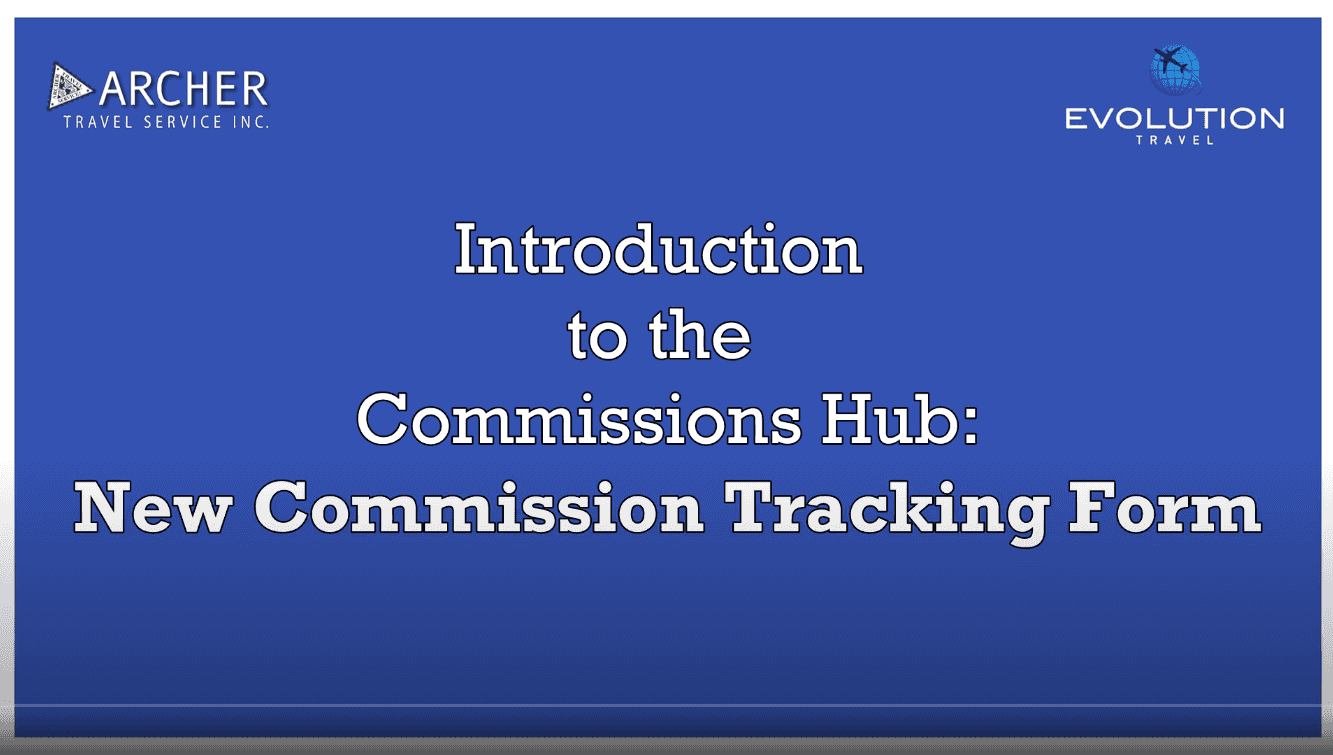
Tutorial Videos:
We’ve provided two step-by-step tutorial video below to guide you on how to use the new Commissions Hub. Please take a moment to watch it so you can fully take advantage of the new features.
Need Assistance? We’re Here to Help!If you have any questions or need assistance, don’t hesitate to reach out:
- General Questions:
- Phone: 818-248-1511
- Email: evocustomercare@archertravel.com
- General Commission Questions:
- Current Commission Inquiries:
- Use the Where’s My Commission Inquiry Form (available in the Commissions section of your evotravelagent.com).
- Commission Tracking Form Technical Issues:
For Commission FAQs, please visit the Commissions section on your Travel Cafe website.
We’re excited to bring you these new tools that will make tracking and managing commissions easier and more efficient. Be sure to check out the new Commissions Hub on June 30th, 2025!
We’re excited to bring you these new tools that will make tracking and managing commissions easier and more efficient. Be sure to check out the new Commissions Hub on June 30th, 2025!