

Checklists | How to Setup your EvoTravelAgent.com
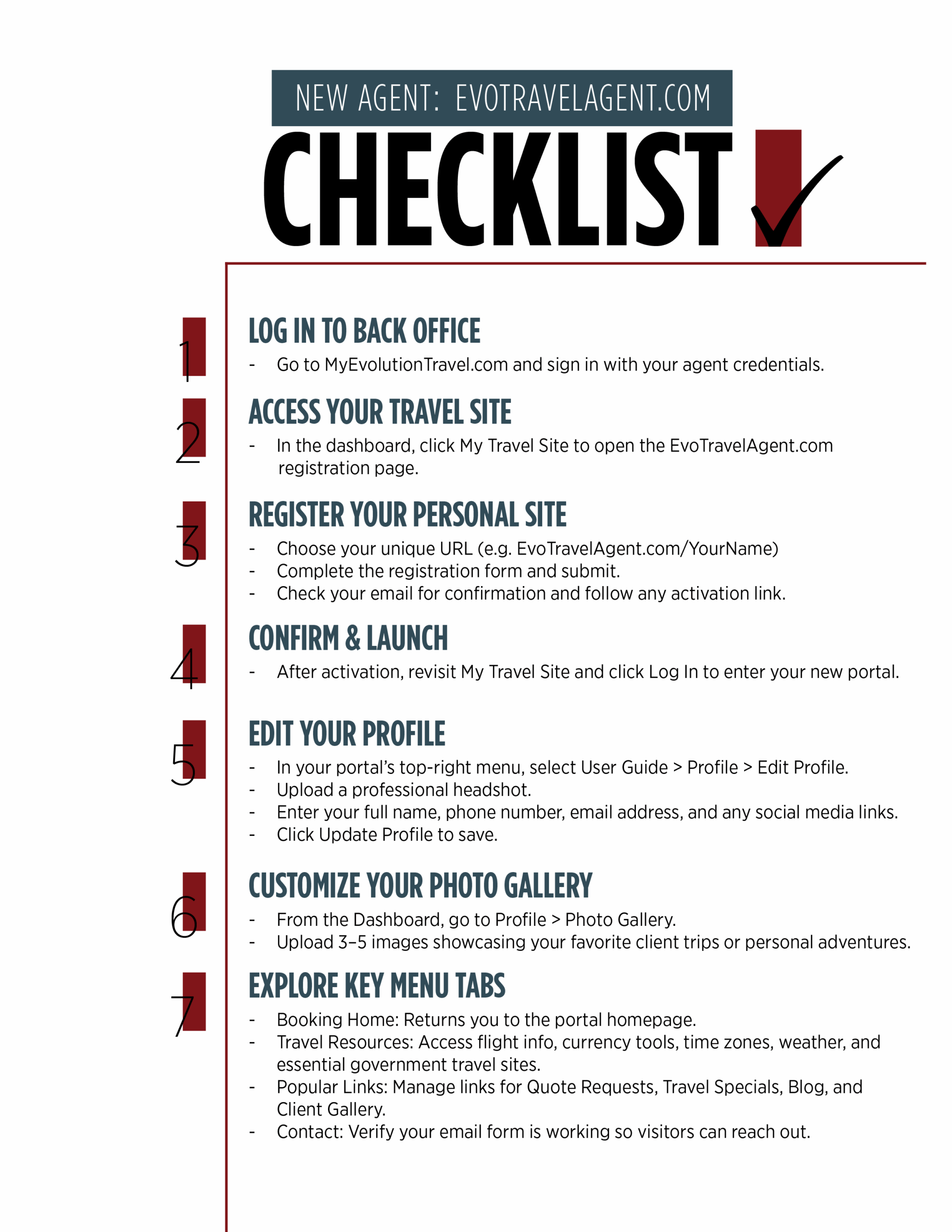
New Agent Setup Checklist: EvoTravelAgent.com
- Log In to Back Office
- Go to MyEvolutionTravel.com and sign in with your agent credentials.
- Access Your Travel Site
- In the dashboard, click My Travel Site to open the EvoTravelAgent.com registration page.
- Register Your Personal Site
- Choose your unique URL (e.g.
EvoTravelAgent.com/YourName) - Complete the registration form and submit.
- Check your email for confirmation and follow any activation link.
- Confirm & Launch
- After activation, revisit My Travel Site and click Log In to enter your new portal.
- Edit Your Profile
- In your portal’s top-right menu, select User Guide → Profile → Edit Profile.
- Upload a professional headshot.
- Enter your full name, phone number, email address, and any social media links.
- Click Update Profile to save.
- Customize Your Photo Gallery
- From the Dashboard, go to Profile → Photo Gallery.
- Upload 3–5 images showcasing your favorite client trips or personal adventures.
- Explore Key Menu Tabs
- Booking Home: Returns you to the portal homepage.
- Travel Resources: Access flight info, currency tools, time zones, weather, and essential government travel sites.
- Popular Links: Manage links for Quote Requests, Travel Specials, Blog, and Client Gallery.
- Contact: Verify your email form is working so visitors can reach out.
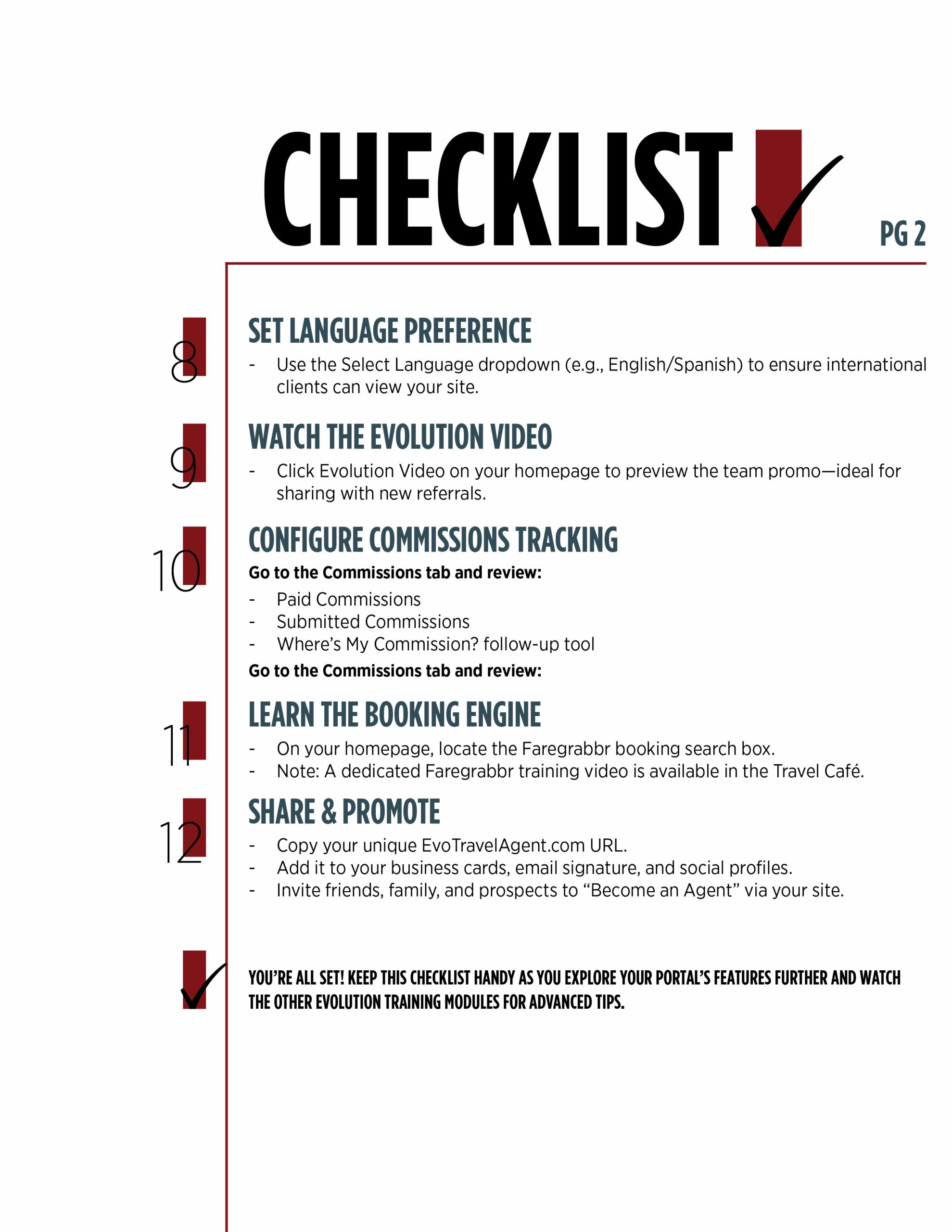
- Set Language Preference
- Use the Select Language dropdown (e.g., English/Spanish) to ensure international clients can view your site.
- Watch the Evolution Video
- Click Evolution Video on your homepage to preview the team promo—ideal for sharing with new referrals.
- Configure Commissions Tracking
- Go to the Commissions tab and review:
- Paid Commissions
- Submitted Commissions
- Where’s My Commission? follow-up tool
- Commission Tracking Form (complete on every booking)
- Learn the Booking Engine
- On your homepage, locate the Faregrabbr booking search box.
- Note: A dedicated Faregrabbr training video is available in the Travel Café.
- Share & Promote
- Copy your unique EvoTravelAgent.com URL.
- Add it to your business cards, email signature, and social profiles.
- Invite friends, family, and prospects to “Become an Agent” via your site.
 You’re all set! Keep this checklist handy as you explore your portal’s features further and watch the other Evolution Training modules for advanced tips.
Updated July 17, 2025 · Content managed in WordPress